
Lightyear Frontier Wiki

Fan-Made Community Wiki

Turn an alien planet into your dream homestead with a customizable farming mech. Grow crops, build your farm, and explore solo or with up to three friends.

1.0 Released Nov 4, 2026Updated Nov 6, 20261–4 Players14 Milestones2M+ Exofarmers

RECENTLY UPDATED

The latest changes to articles in this wiki.

Updated
Lightyear Frontier Egg Map: A Better Search Route
Updated
Lightyear Frontier Giant Bird: What to Do
Updated
Lightyear Frontier Incubator: Hatching Your First Egg
Browse all categories

Start Here

Your Lightyear Frontier Journey

1
Beginner Guide

Plan your first landing, recover your mech tools, and set up a practical starter farm.

2
Early Resource Locations

Find the wood, stone, and aluminum you need for your first buildings and crafting stations.

3
Mech Tools & Upgrades

Choose useful tool upgrades and mods for gathering, planting, watering, and exploration.

4
Farm Automation

Learn how storage, pipes, and crafting stations work together as your farm expands.

PATHWAYS

Choose Your Next Step

Explore categories with published articles.

What is Lightyear Frontier?

Lightyear Frontier is an open-world farming adventure developed by FRAME BREAK. Pilot a customizable mech to gather materials, cultivate alien crops, and build a homestead on a distant planet.

Play alone or invite up to three friends to share the work. Crop rotation, crafting, and automation help your farm grow while exploration and deliveries move your frontier journey forward.

Explore Lightyear Frontier

Plan your next step with beginner tips, resource gathering, mech upgrades, crop rotation, farm automation, deliveries, biomes, and co-op farming.

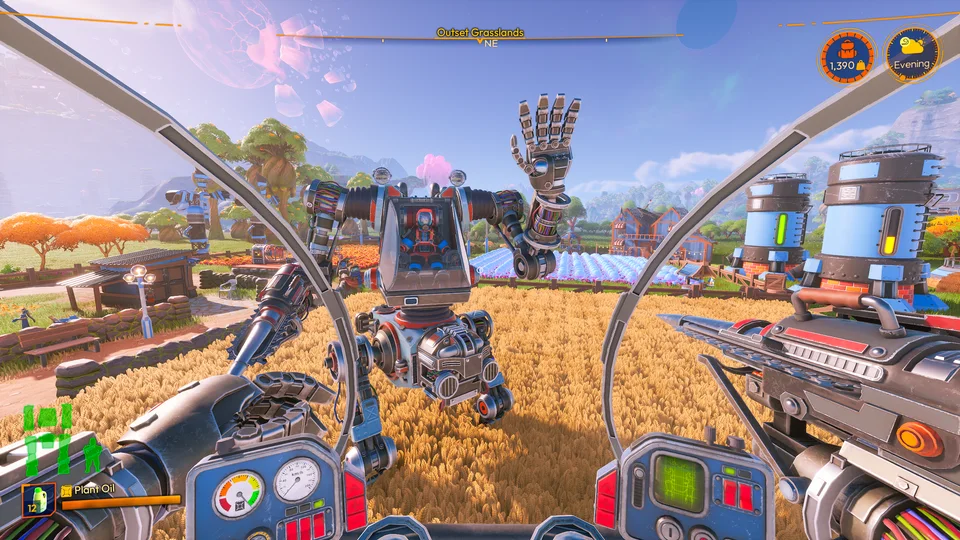
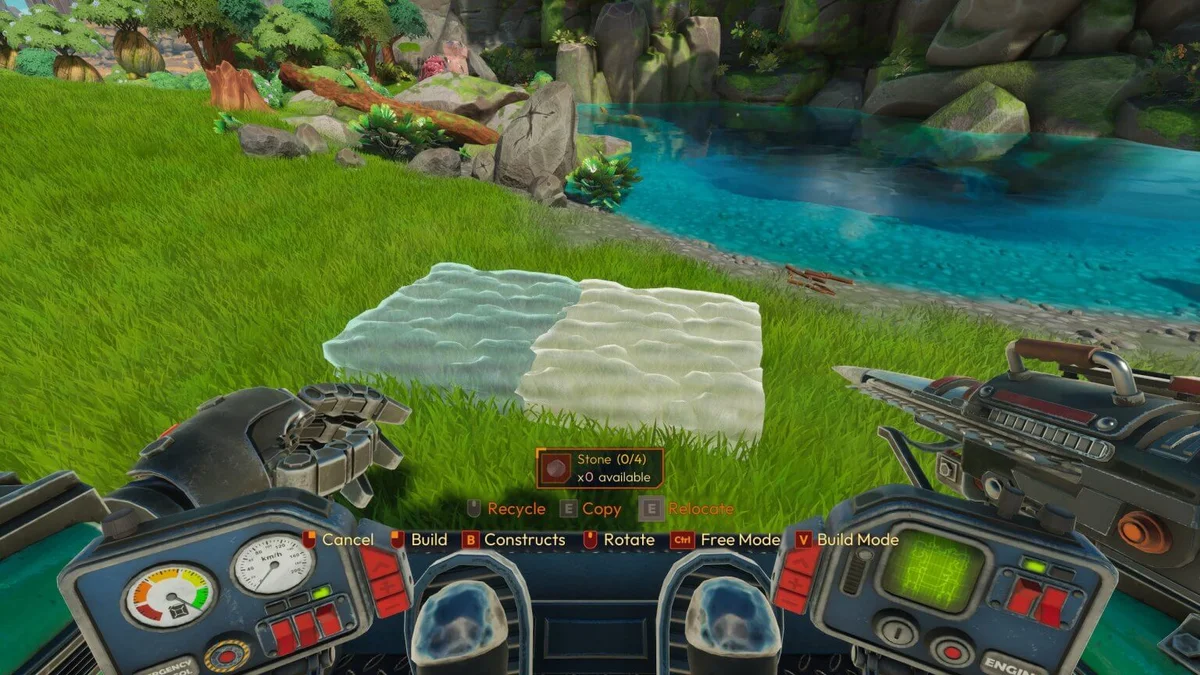
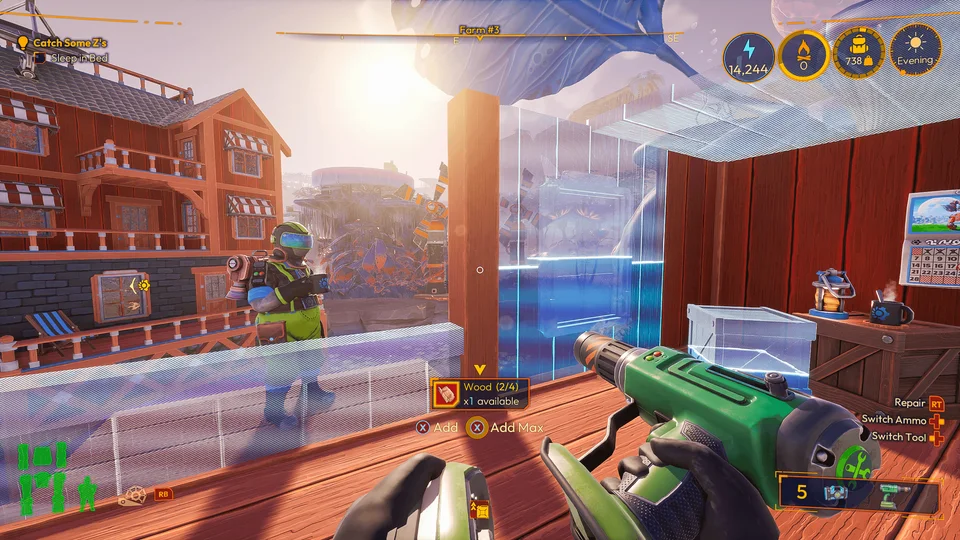
Building a homestead from the mech cockpit in Lightyear Frontier

Beginner Guide

Start your first farm with a practical route through the current tutorial, planting, and deliveries. Learn which tools support everyday farming and how colony deliveries move progression forward.

  1. 1

    Choose a playstyle preset; Balanced is the official recommendation for new players.

  2. 2

    Follow the tutorial missions to learn your mech and establish a homestead.

  3. 3

    Use the Seed Shooter to plant and the Irrigation Hose to water; maintain your mech with fuel and repairs.

  4. 4

    Gather the requested goods and use the Delivery Cannon to advance colony deliveries and unlock milestones.
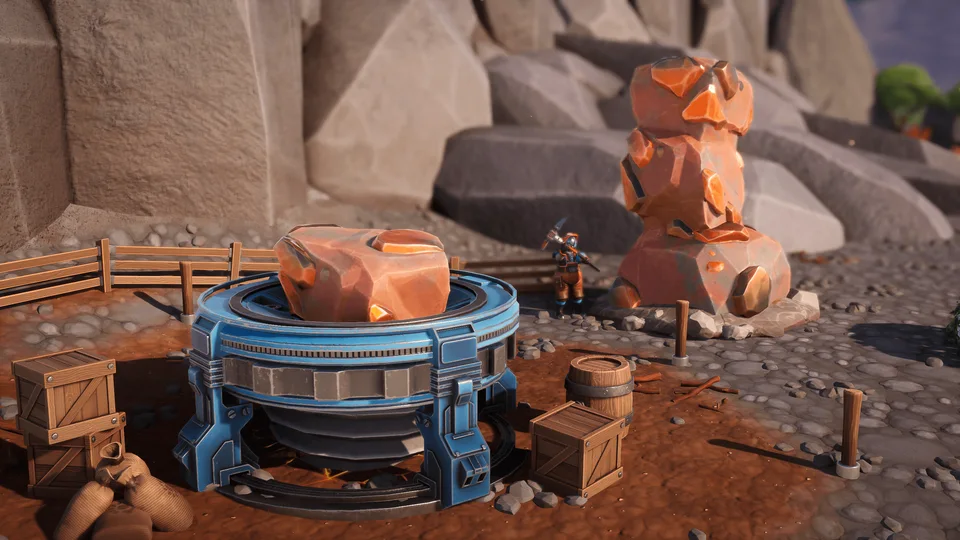
Mineral gathering equipment beside a rock deposit in Lightyear Frontier

Resource Locations & Gathering

Find materials with the Resource Scanner and turn gathering trips into a reliable supply of crafting resources. Learn how mineral extraction and processing help you get more from deposits, logs, and rock chunks.

  • Scanner

    Open the map and use the scanner to get directions toward resources, including crop patches such as Caroot.

  • Minerals

    Place a Mineral Extractor beside a natural mineral deposit to generate additional minerals each day.

  • Wood

    Carry logs home with your mech and process them in a Sawmill for more resources than breaking them with tools.

  • Chunks

    Haul large chunks to a Mineral Crusher to process them into resources.

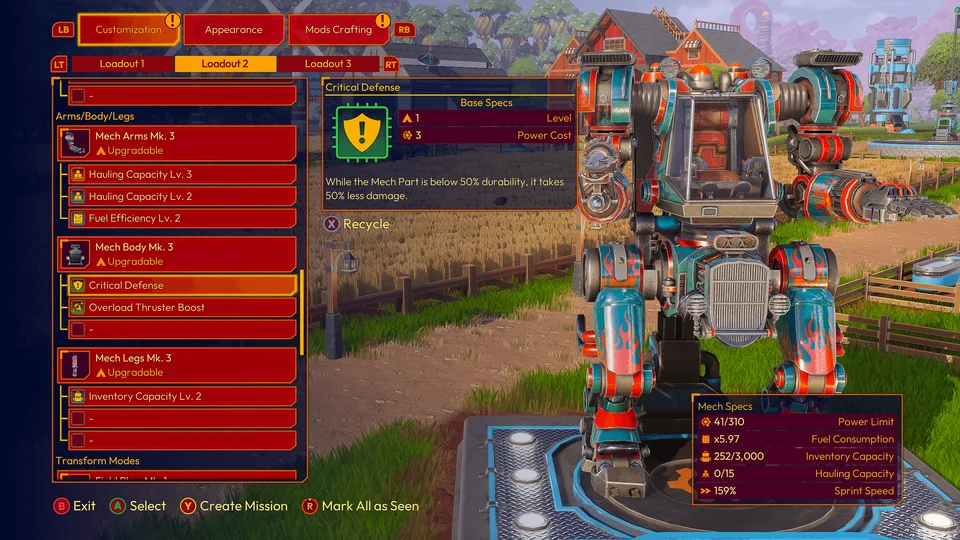
Mech customization and upgrade menu in Lightyear Frontier

Mech Upgrades & Tools

Plan mech upgrades around the jobs you need to finish, from gathering to planting large fields. Follow the version 1.0 upgrade paths and check when useful tool abilities become available.

  • Upgrades

    Tools, body parts, and transform modes have dedicated upgrade paths; upgrades improve base stats and unlock tool secondary abilities.

  • Seed Shooter

    Mk. 2 unlocks Lock-On for multiple mounds; Mk. 4 adds Seed Stacking for planting several seeds in one mound.

  • Spike Saw

    Mk. 2 adds Sweep for hitting several targets; striking weak points gives a 25% damage bonus in version 1.0.

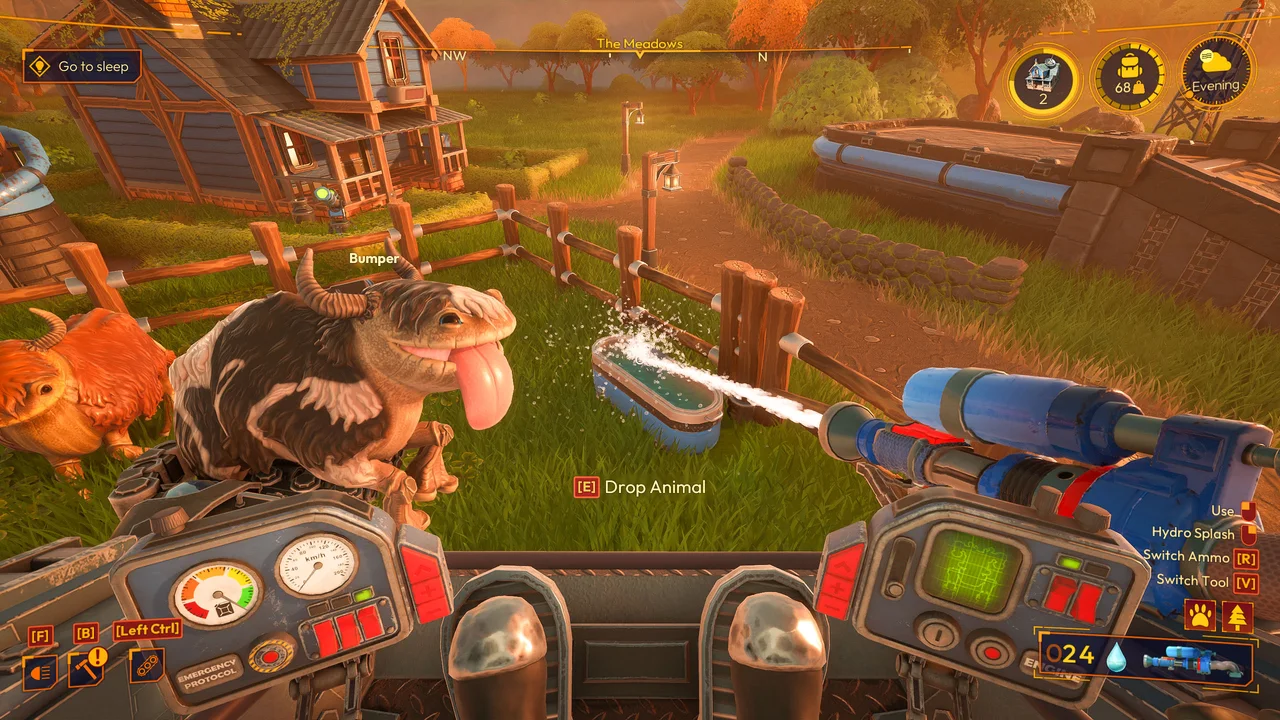
  • Irrigation

    Mk. 2 unlocks Hydro Splash for watering larger areas.

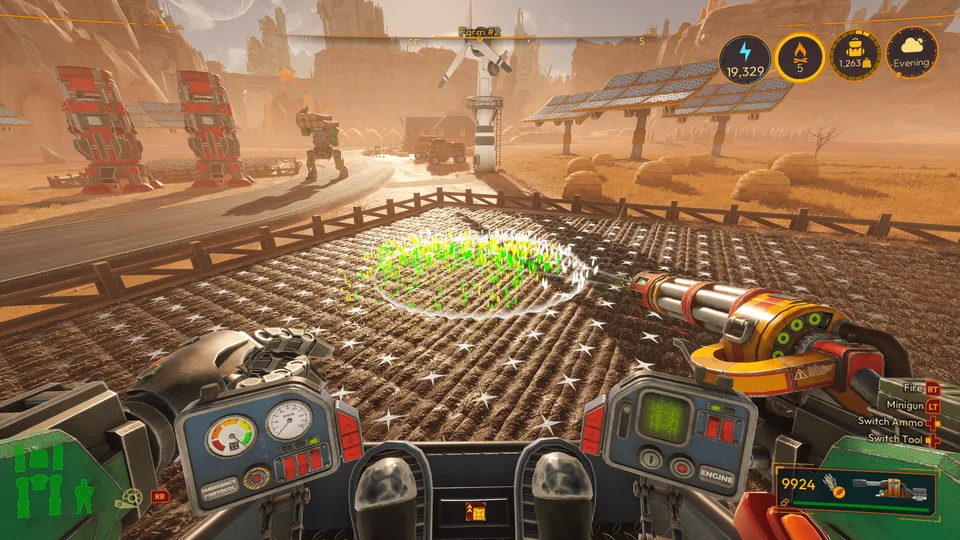
Planting alien crops from the mech cockpit in Lightyear Frontier

Crops & Crop Rotation

Improve harvests by understanding crop rotation, mutated crops, and soil treatments. Use the planting preview to plan your fields and distinguish yield boosts from changes to mound type.

  • Rotation

    The HUD previews planting results; harvesting a mutated crop now awards both mutated and normal produce.

  • Mulch

    Mulch changes mound types to Phosphoric, Nitrogenic, or Potassic.

  • Fertilizer

    Fertilizer increases mound yield while preserving its type; the Fertilizer Infuser replaces the former Compost Box.

  • Crops

    Version 1.0 adds Cloudbud, Coilvine, Papristalk, and Quartznip.

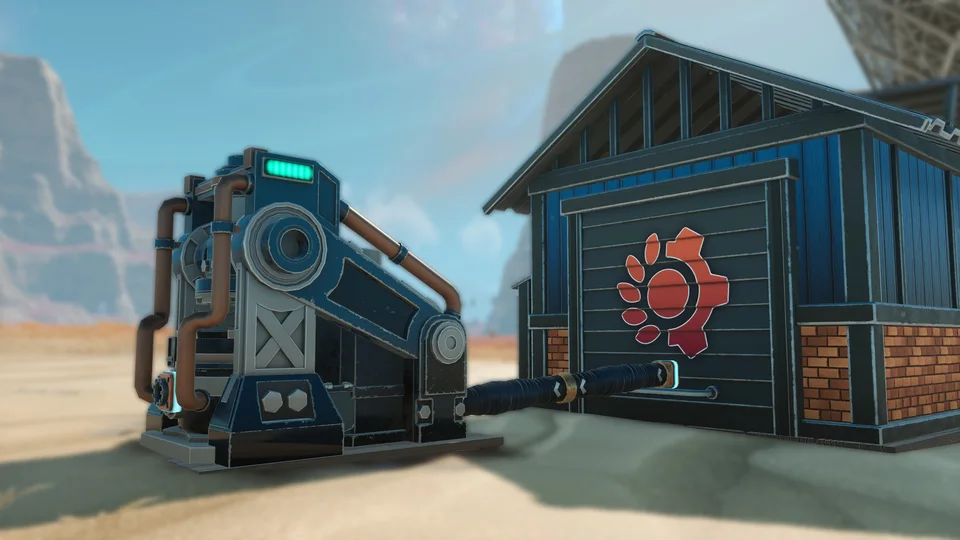
Storage connected to farm equipment in Lightyear Frontier

Farm Automation

Build version 1.0 production lines that move resources directly between storage and crafting constructs. Automation begins at Milestone 4 and expands as you progress, with filters and recipe queues helping manage larger farms.

  1. 1

    Reach Milestone 4 to begin unlocking automation through the current progression system.

  2. 2

    Check construct inputs and outputs in the Build Menu, then connect compatible storage and crafting constructs with Automation Pipes.

  3. 3

    Set each storage construct's Resource Filters to control which items it accepts or denies.

  4. 4

    Enable Auto Craft and queue up to three recipes per crafting construct; recipes without enough ingredients are skipped. Account for pipe Energy costs.

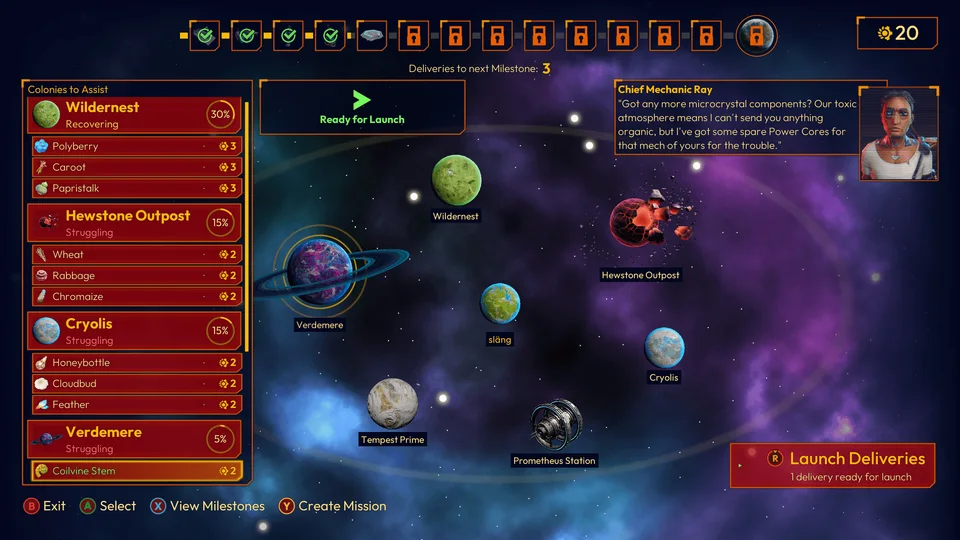
Colony delivery destinations and milestone progress in Lightyear Frontier

Milestones & Deliveries

Understand how colony deliveries unlock the next stage of your farm and mech progression. Plan around the revised delivery system, the final two milestones, and research rewards from Prometheus Station.

  • Cannon

    The version 1.0 delivery menu checks for all required goods together instead of asking you to contribute each resource separately.

  • Queue

    Queue several deliveries and send them together without leaving the menu after every shipment.

  • Milestones

    The final two milestones introduce advanced recipes, construct tiers, mech upgrades, and the Skyblazer flight mode.

  • Research

    Complete Research Deliveries to unlock mod blueprints through personal progression, without waiting for community-wide contributions.

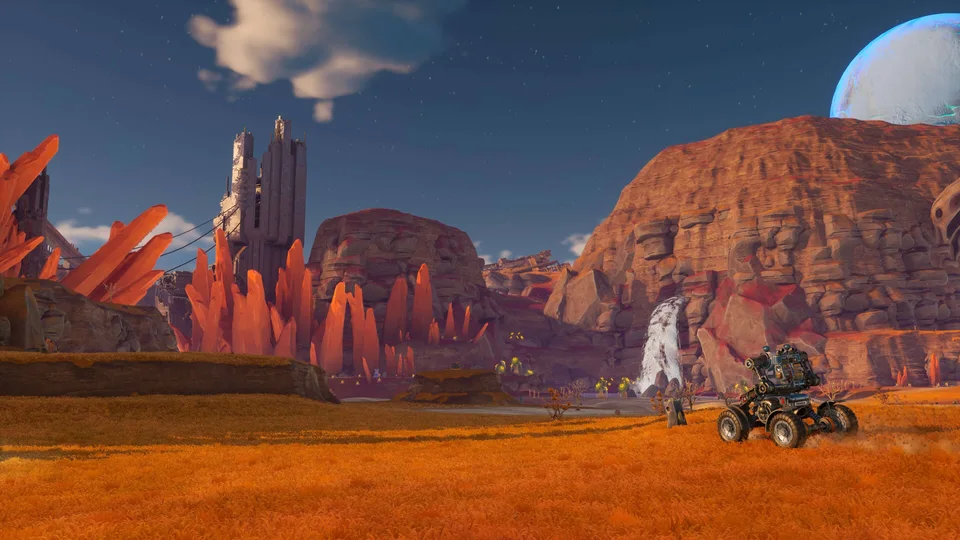
A mech exploring the desert cliffs of Sandswept Highlands in Lightyear Frontier

Map & Biomes

Explore the expanded world and identify destinations for late-game farming and resources. Version 1.0 adds Sandswept Highlands and Hollow Marsh, increasing the world size by roughly 40%.

  • Highlands

    A desert region with mesas, ruins, new crops, minerals, and late-game story objectives.

  • Marsh

    A swamp among the Highlands' clifftops with blue grass, red water, and the Starfall Tree.

  • Access

    Both new areas are accessible from the start, although their resources and challenges are intended for late-game players.

  • Markers

    Add text to map stamps and use the map's animal and trailer markers to keep track of your farm and transport.

Two players meeting in their mechs on a farm in Lightyear Frontier

Multiplayer & Shared Saves

Plan a cooperative farm for up to four players and keep the same world progressing between sessions. Learn how Shared Saves let another member of your group host while the original host is offline.

  • Co-op

    Play solo or invite up to three friends to share farming, building, and resource gathering.

  • Shared Saves

    Players with access to a Shared Save can host it, and progress synchronizes through the cloud.

  • Host

    Only one player hosts a Shared Save at a time; other players join that session, with four players allowed simultaneously.

  • Settings

    The host controls world playstyle settings, including day length and crop growth time.

Lightyear Frontier Frequently Asked Questions

Quick answers about getting started, mech farming, automation, and co-op in Lightyear Frontier.

Ready to Grow Your Frontier?

Plan your first farm, find your next upgrade materials, and build toward an automated homestead with our Lightyear Frontier guides.

Read the Beginner GuideGet Lightyear Frontier on Steam